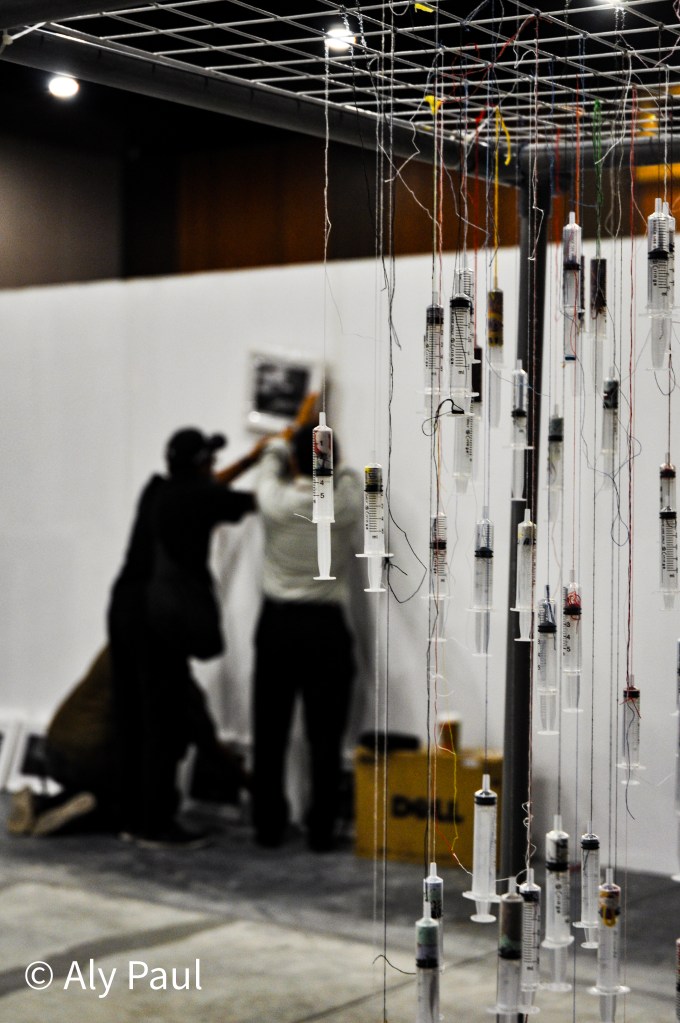
Here’s an old photo from an art exhibit. The syringes were strung in such a manner that it showed an image of the 7 continents. It depicts how covid affected the whole world. This was in August 2020. One year later and it feels like the whole world has moved on and I’m still in the same place as I was last year.
Of course, I have evolved as a person. I have new talents, hobbies, values. However, I haven’t experienced much. I miss plane rides, new countries, fresh air, new views. It’s hard to see my neighbourhood through a fresh perspective when I have to run the same route every day. I’ve even tried running in the opposite direction but after a while even that seemed routined.
There’s only so much to do at home. I want to live in the moment. as much as I try, I can’t help but feel like I’m working towards my future. It’s always on my mind. Where I’ll be in 5 years. It’s hard to live in the now when it feels so stagnant.
I can’t wait for this to be over with. As much as I’m grateful for all that I’ve learnt and who I’ve become, this is going on for far too long. I’m ready to move on please.
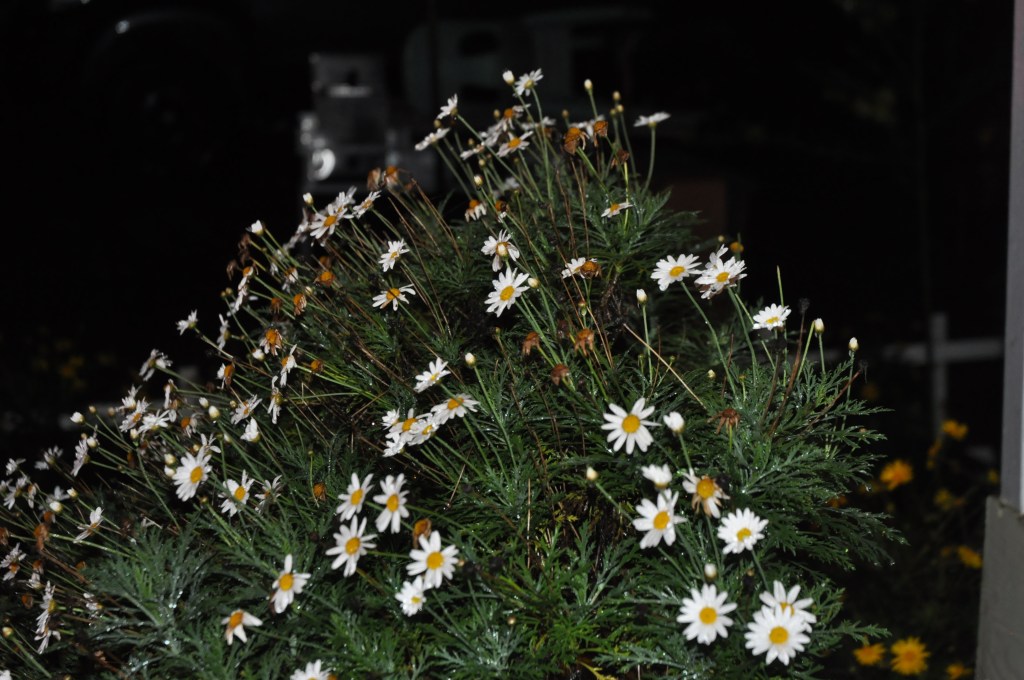
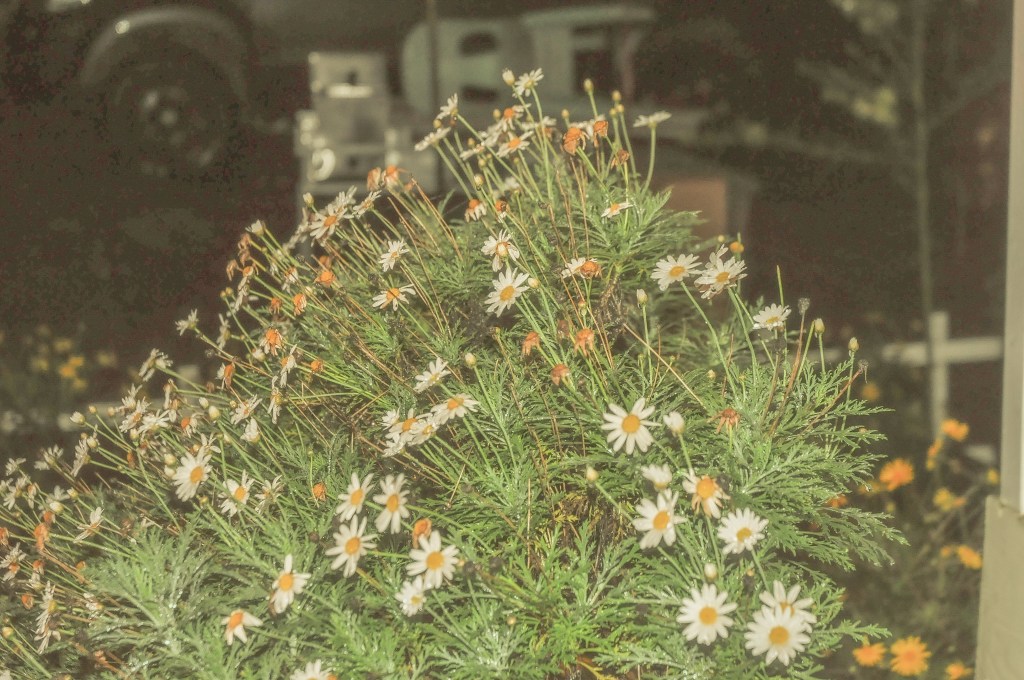
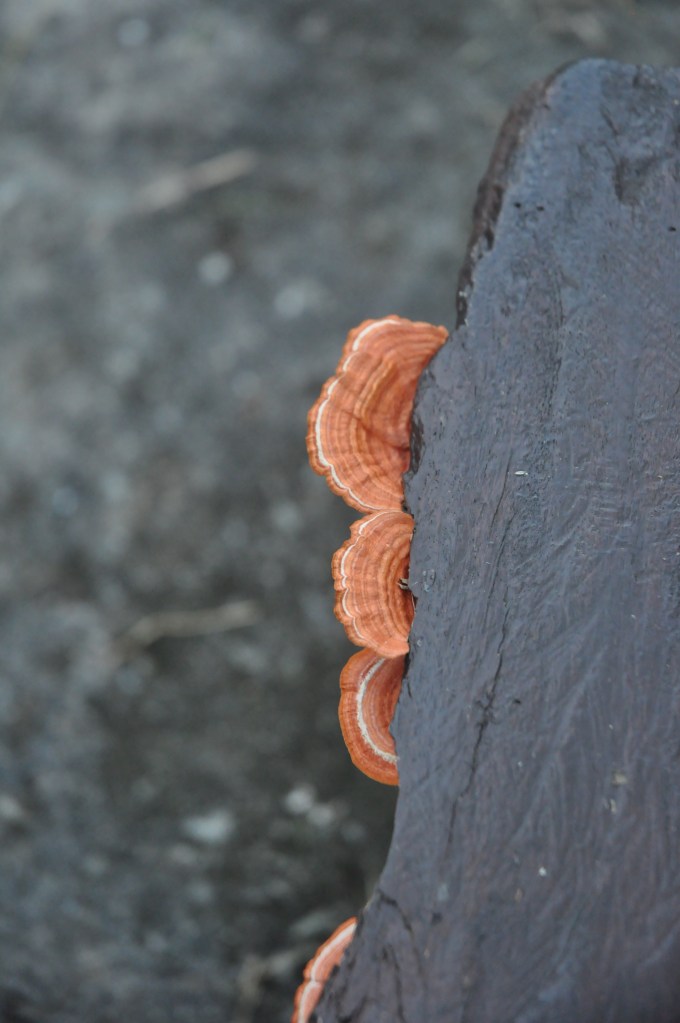
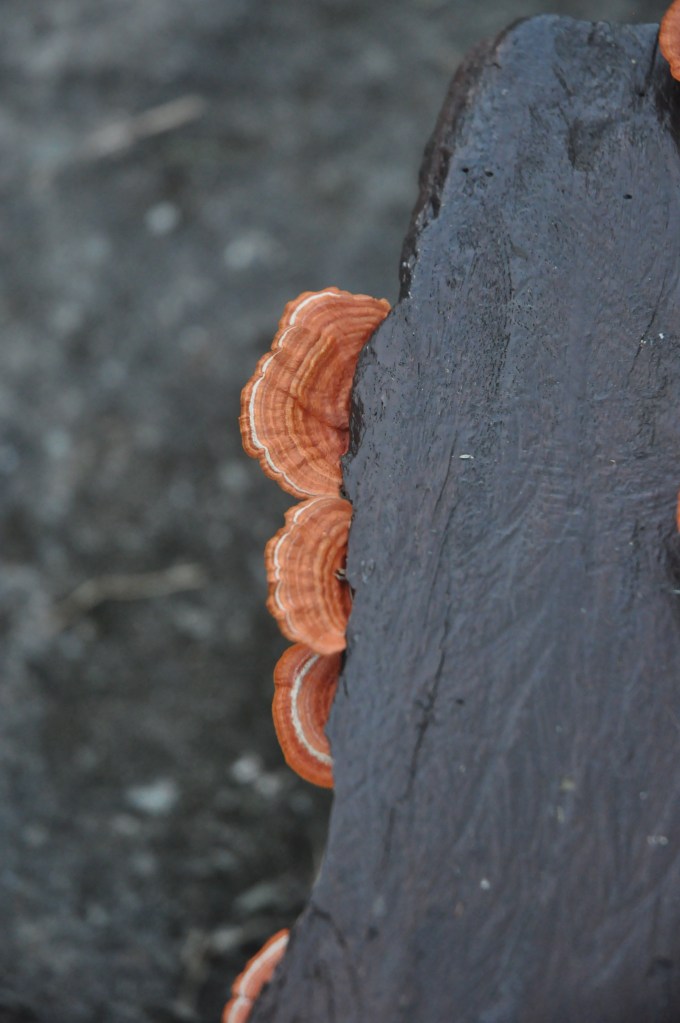
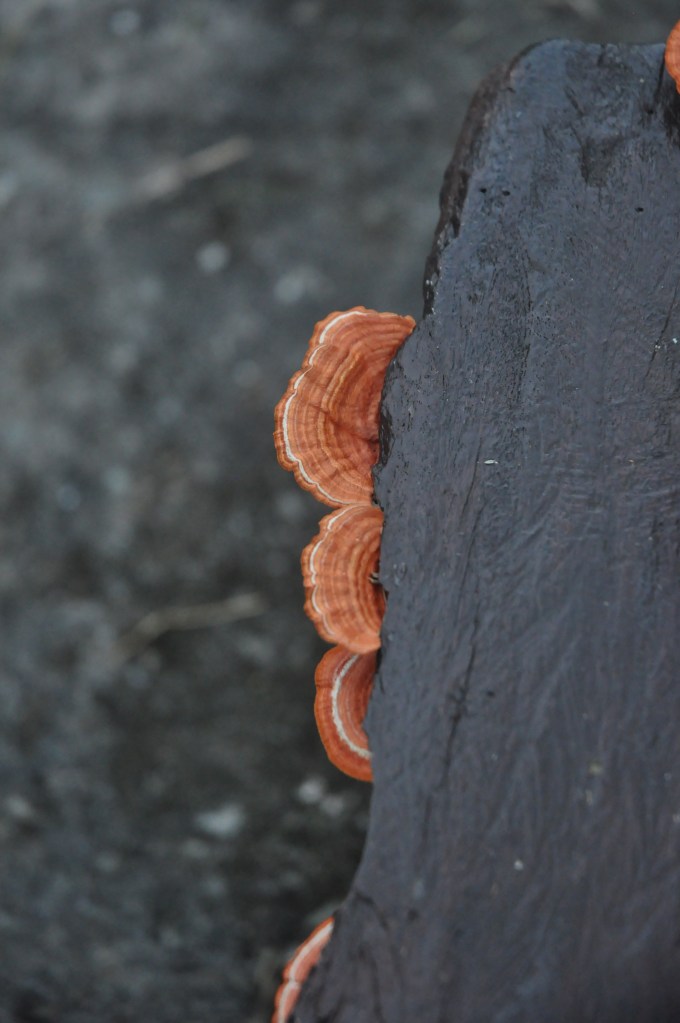
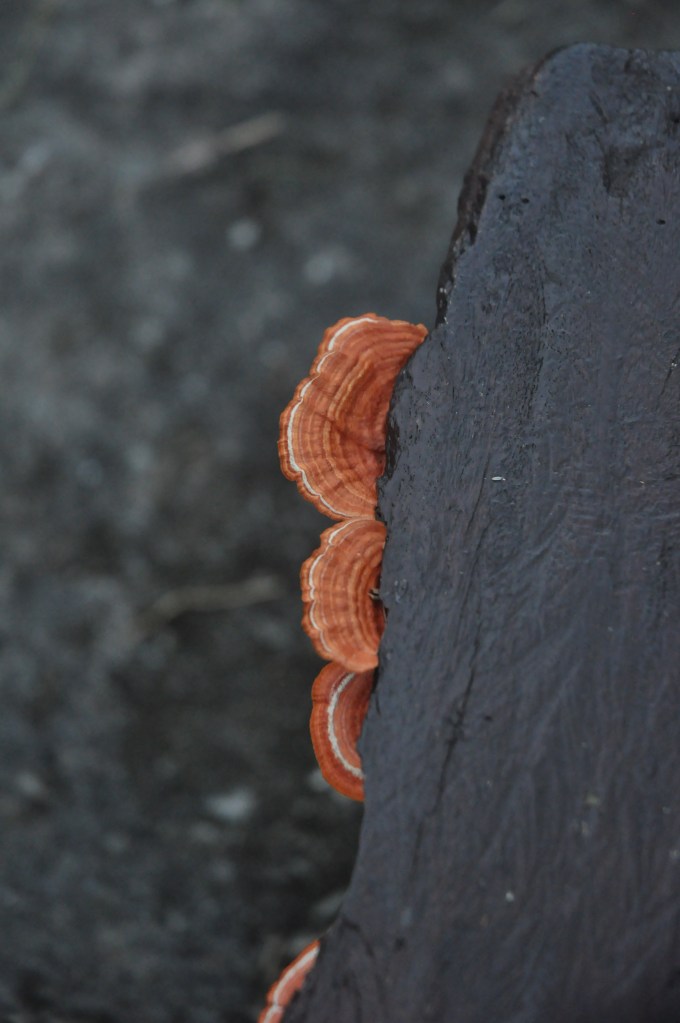
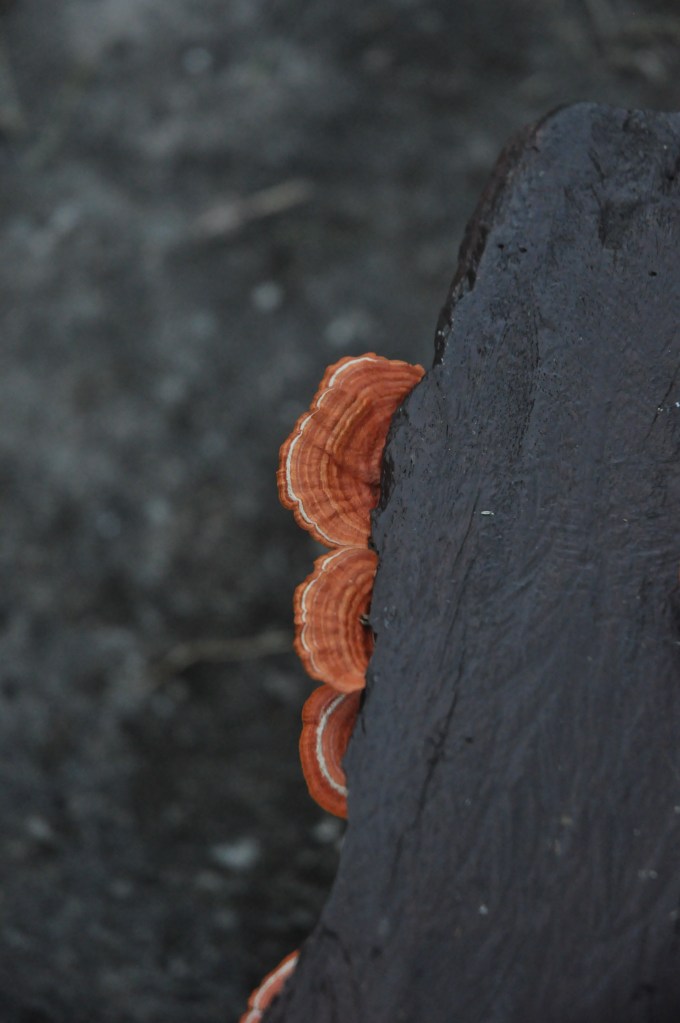
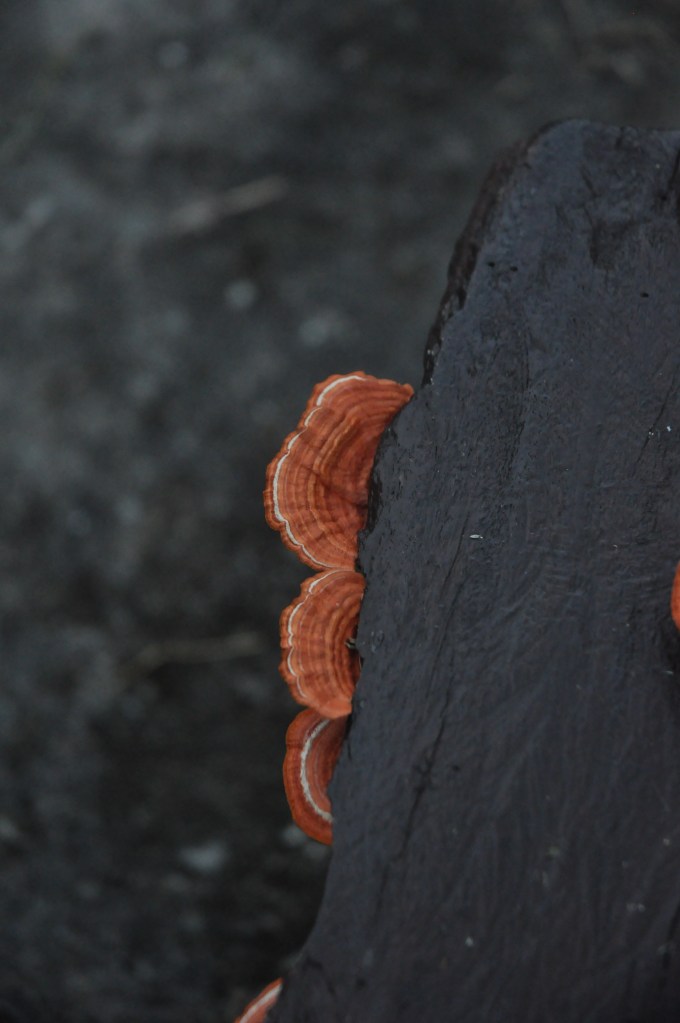
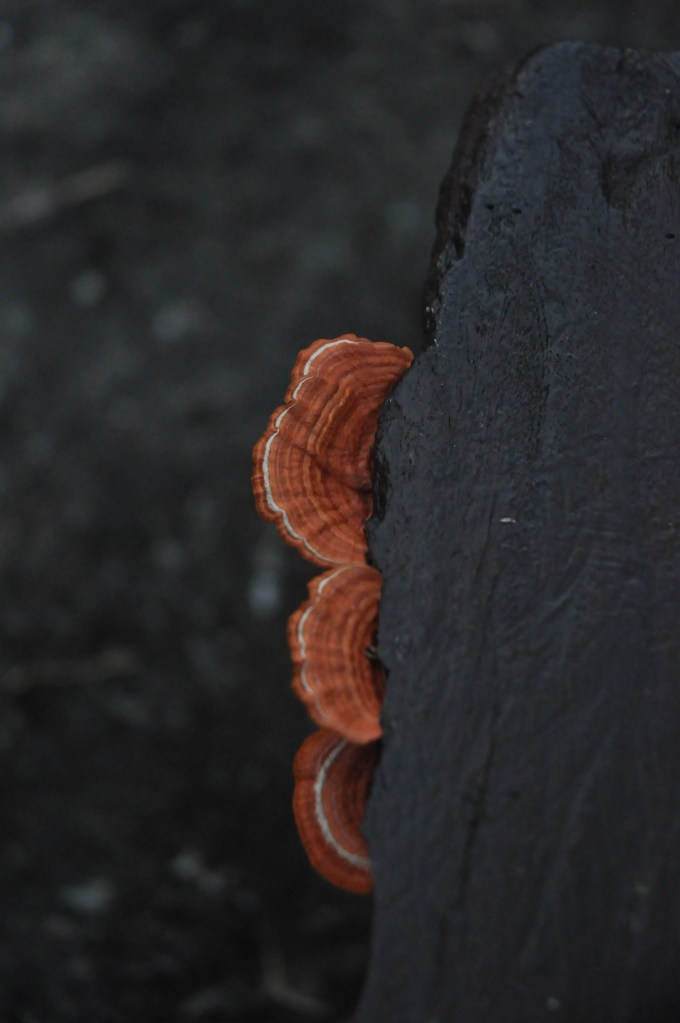
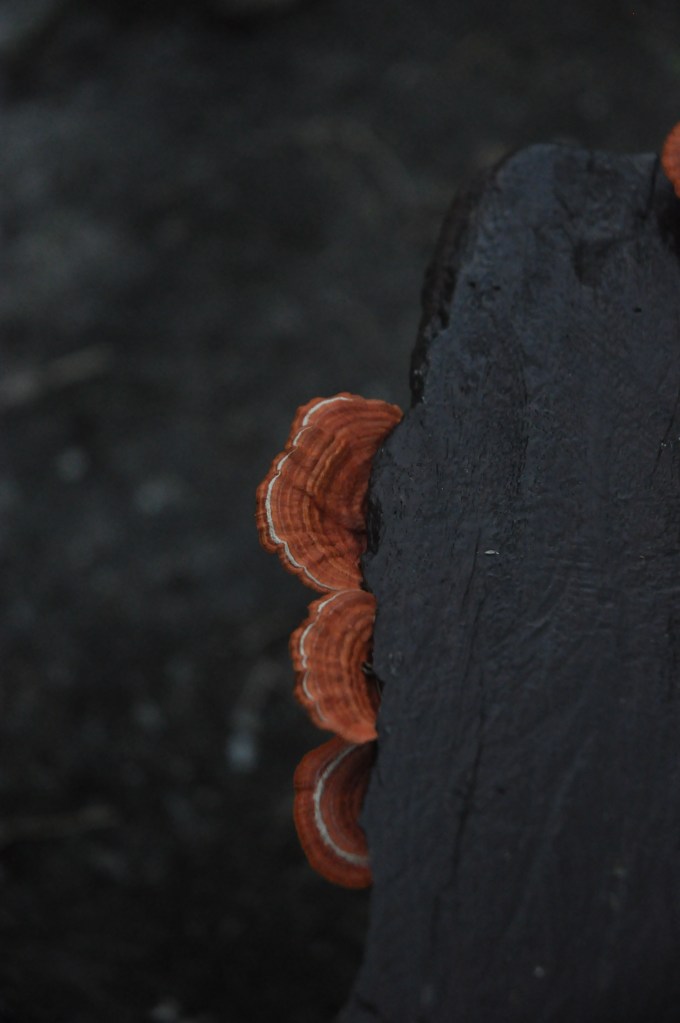
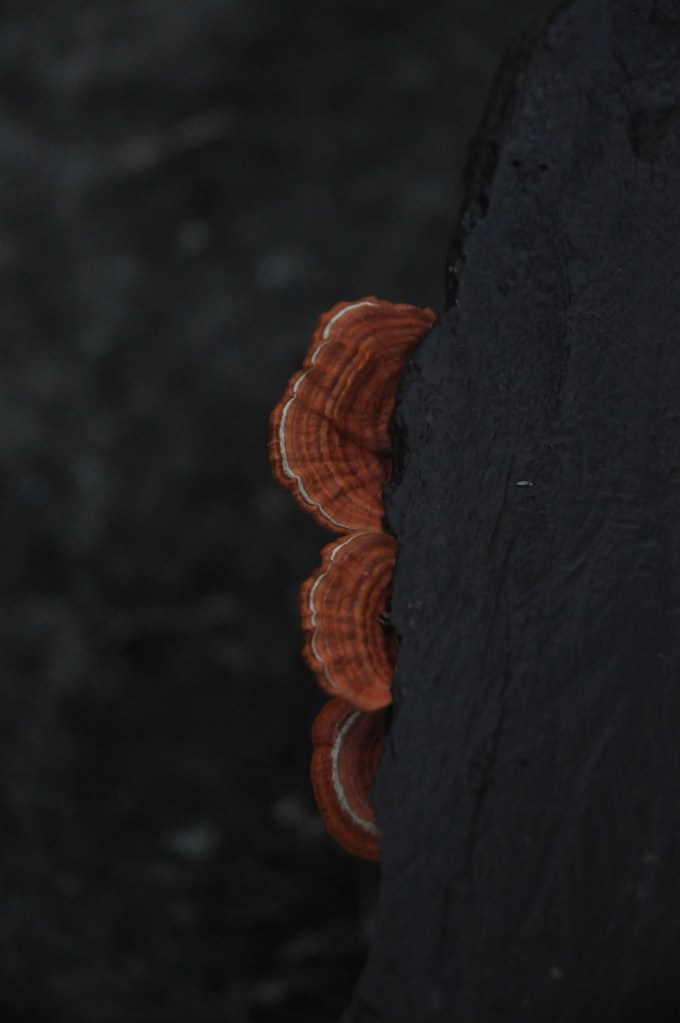
Hello friends! Here we have 9 very similar photos. Other than the inescapable human error of not taking 9 photos at the exact same position without the use of a tripod, the only other difference is the lighting.
The change in lighting is an affected by the shutter speed. The shutter speed refers to how fast the lens captures the photo. The faster the shutter speed the less light is let in, thus the photo is darker!

 travelcamera