
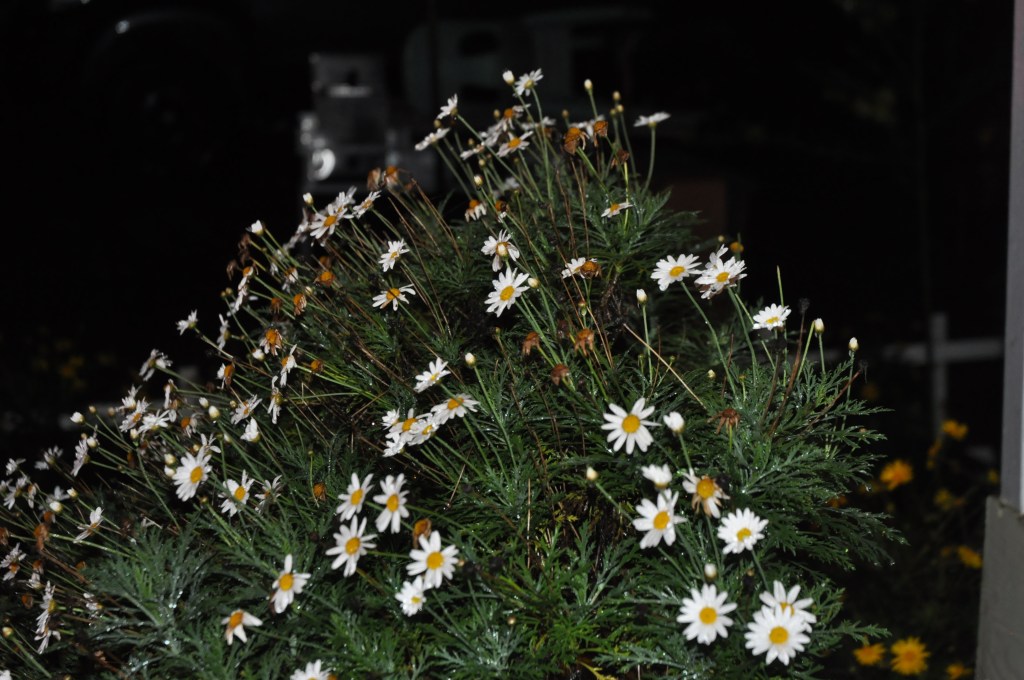
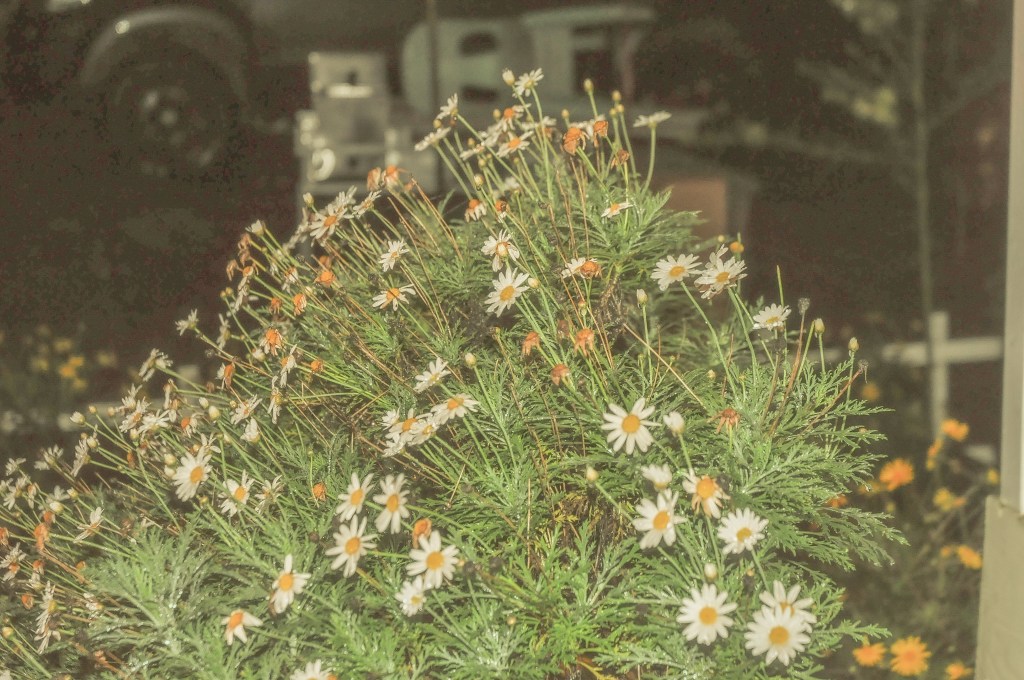
This photo was taken on a DSLR camera, Nikon D5000. With amateur editing on Lightroom, here’s how you can make it look like it was taken on film.
- Reduce contrast
- Lift the shadows and blacks.
- Flatten the image. You can do so by decreasing the highlights and whites.
- Give the image a warm hue. Slide the temperature control to make the image more yellow.
- Adjust the tint to green.
Just 5 easy steps and that’s it!
 travelcamera