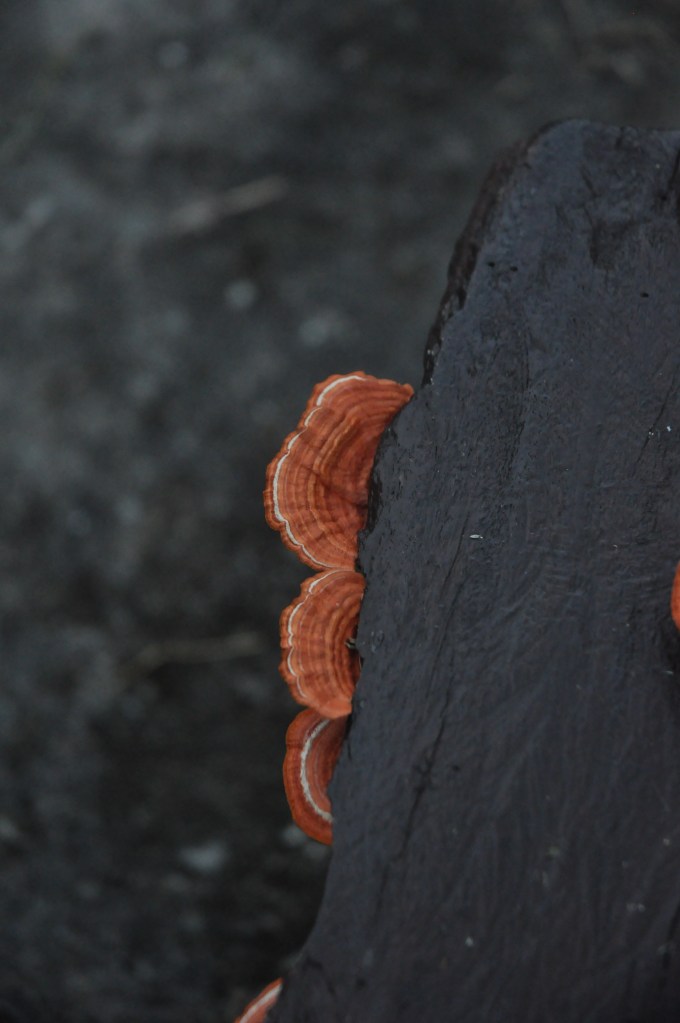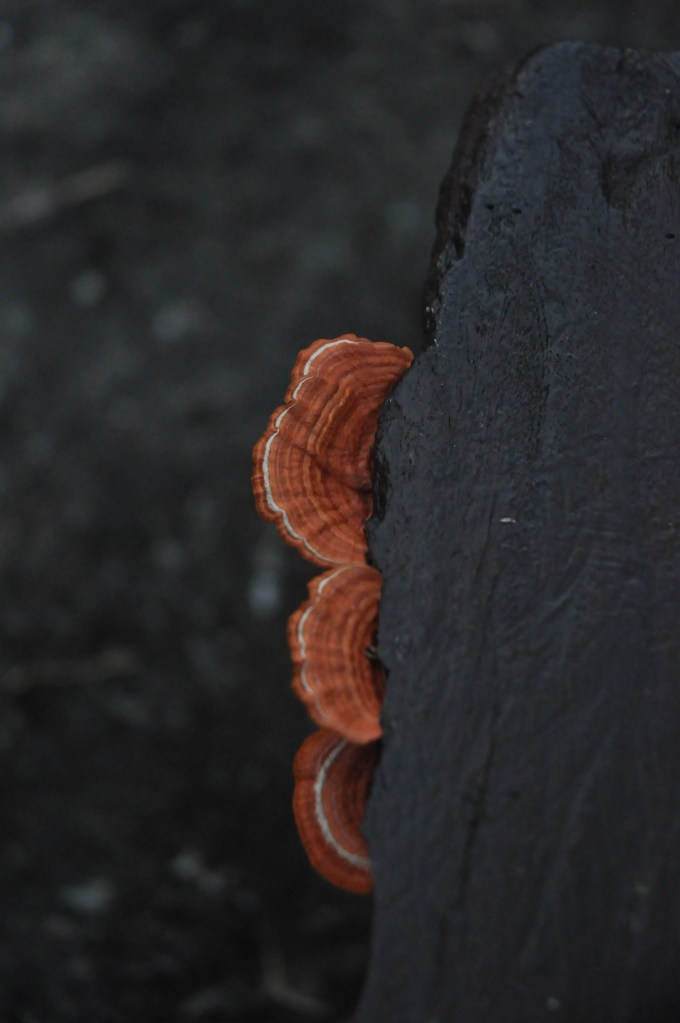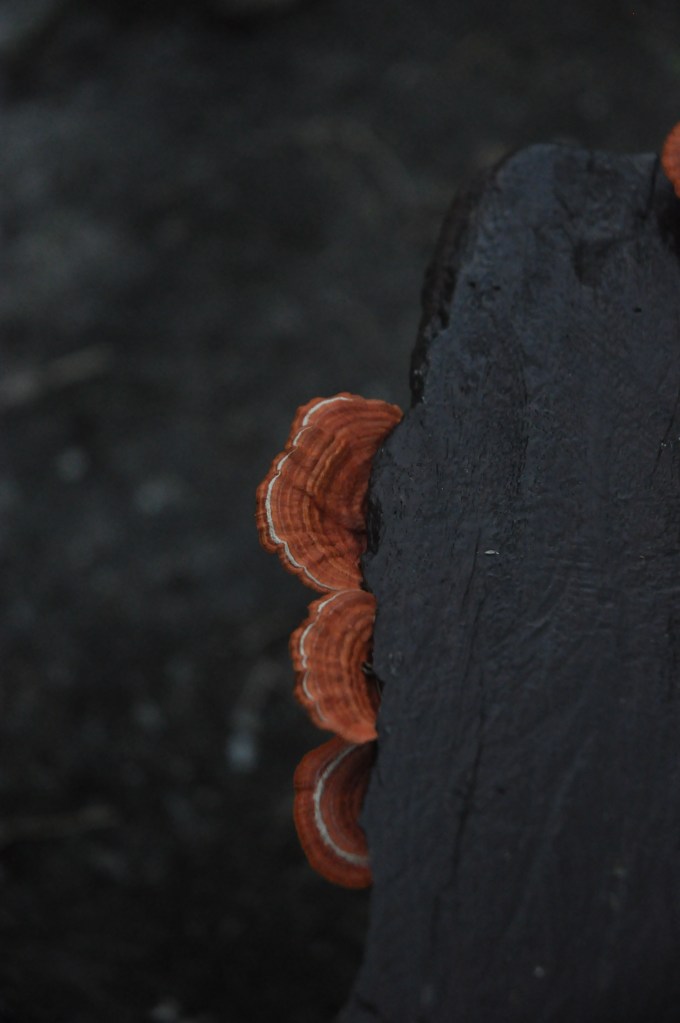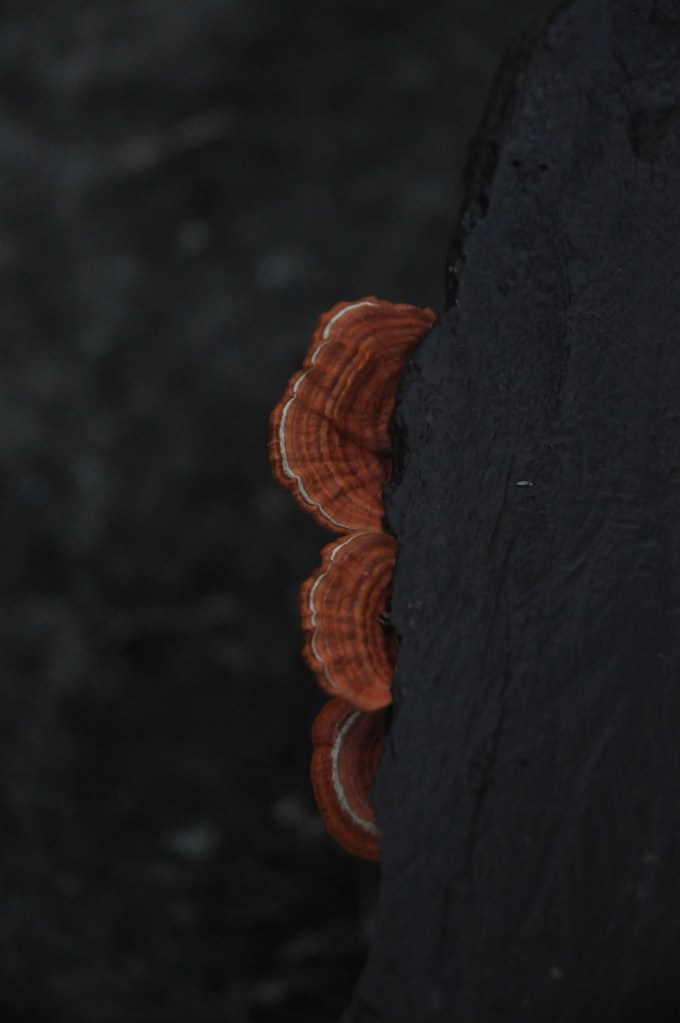
how to edit a digital photo to look like it was taken on film

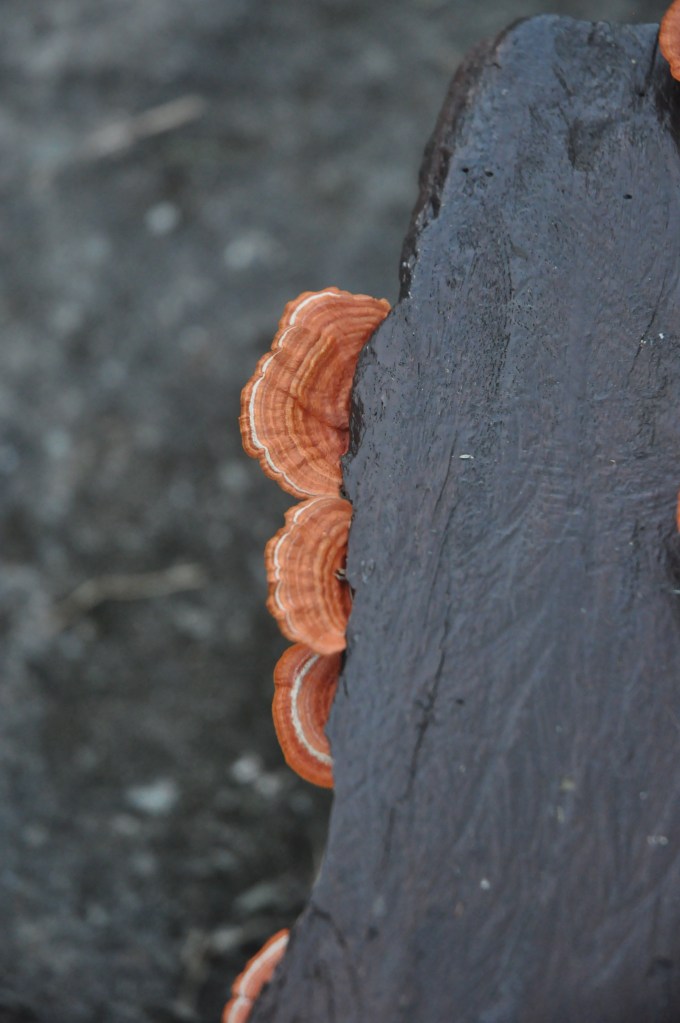
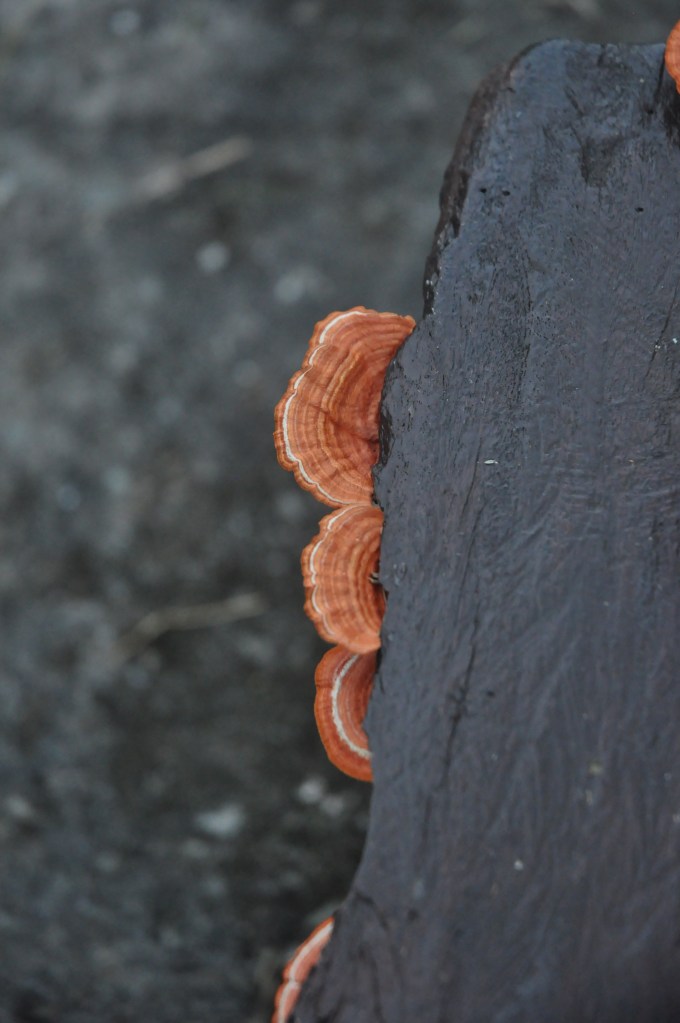
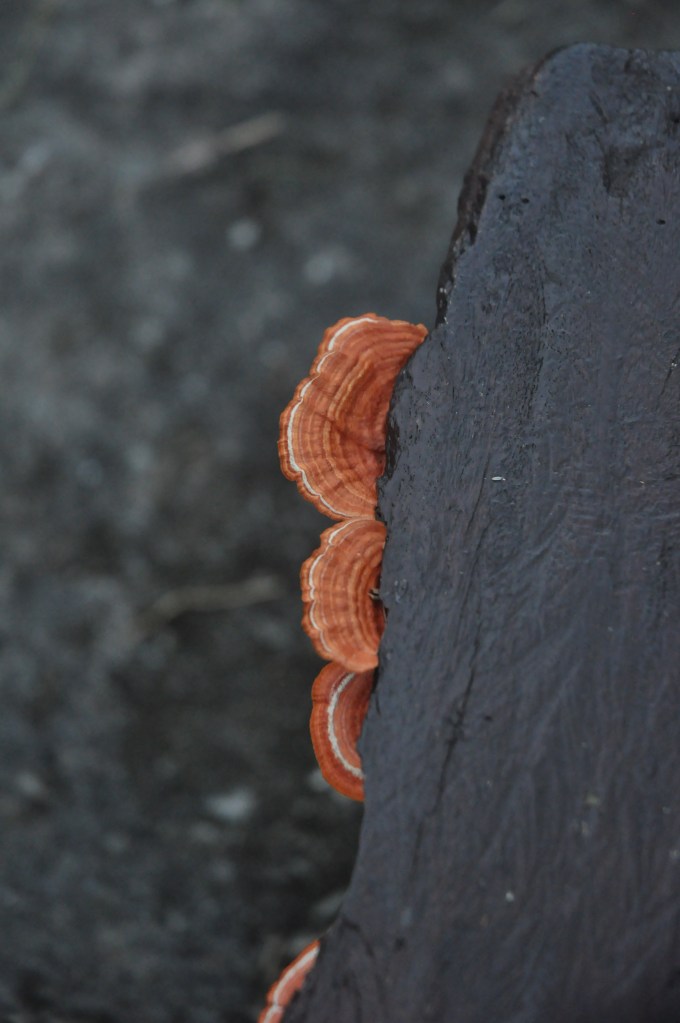
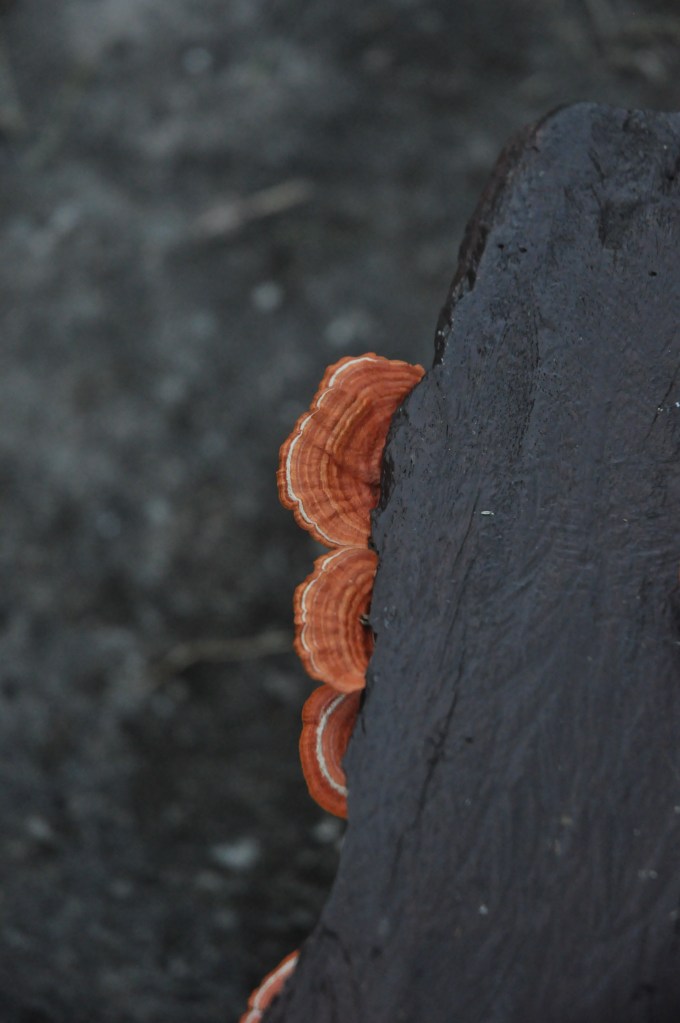
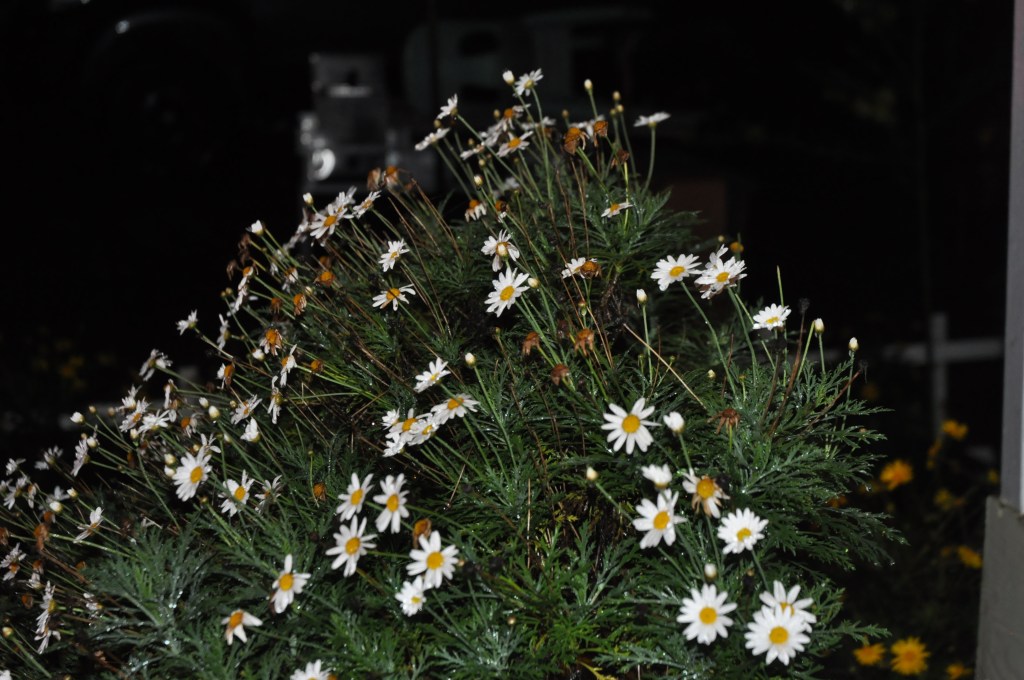
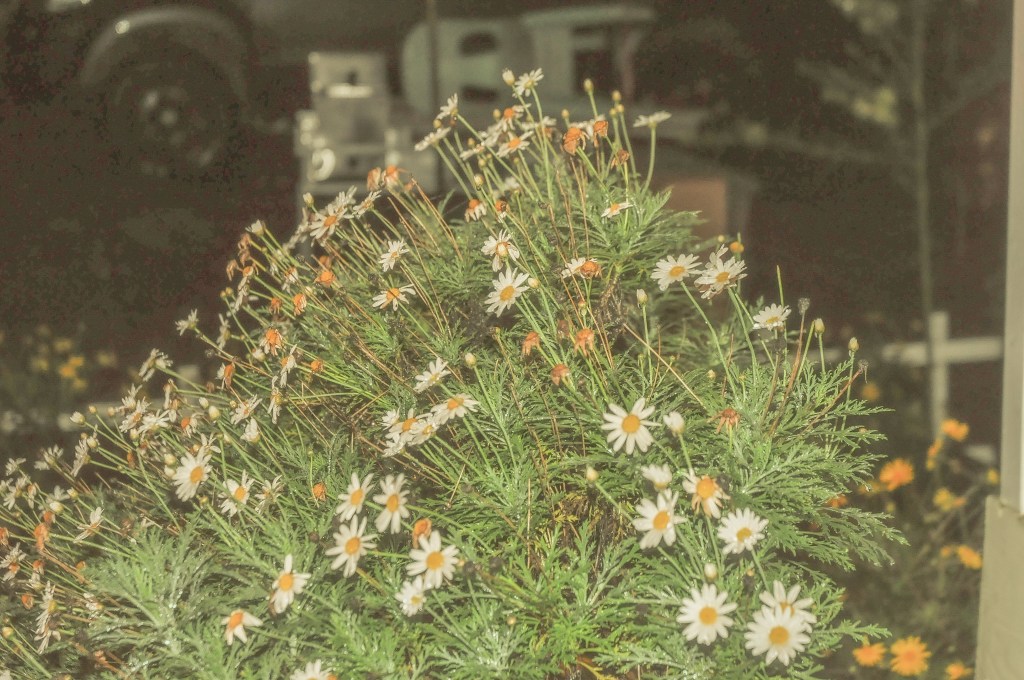
This photo was taken on a DSLR camera, Nikon D5000. With amateur editing on Lightroom, here’s how you can make it look like it was taken on film.

  1. Reduce contrast
  2. Lift the shadows and blacks.
  3. Flatten the image. You can do so by decreasing the highlights and whites.
  4. Give the image a warm hue. Slide the temperature control to make the image more yellow.
  5. Adjust the tint to green.

Just 5 easy steps and that’s it!
Manual Mode -Shutter Speed

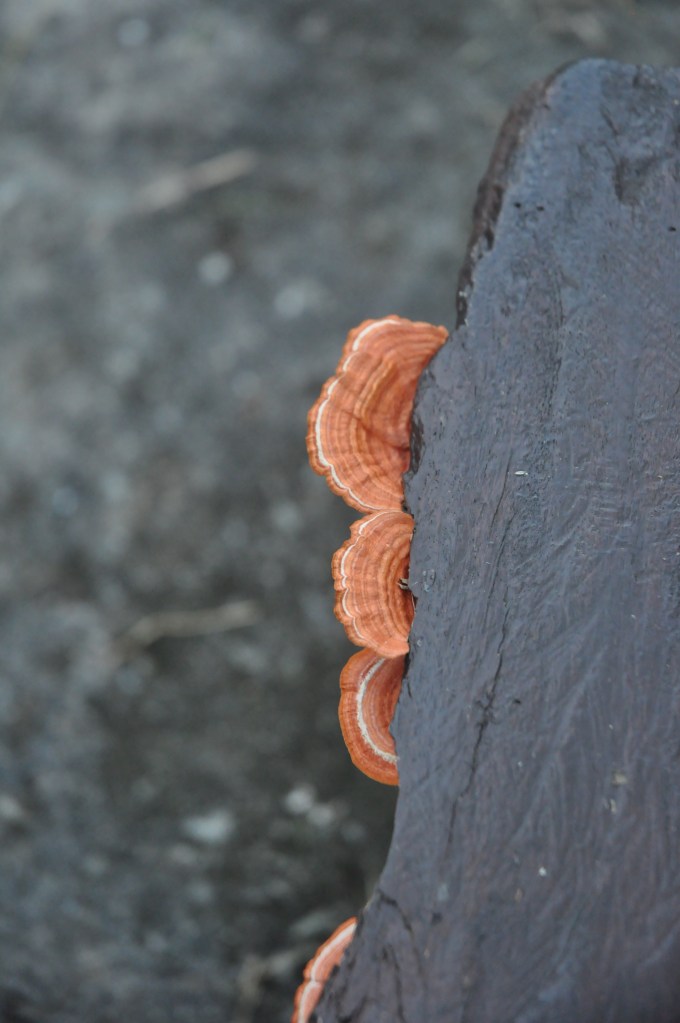
Hello friends! Here we have 9 very similar photos. Other than the inescapable human error of not taking 9 photos at the exact same position without the use of a tripod, the only other difference is the lighting.

The change in lighting is an affected by the shutter speed. The shutter speed refers to how fast the lens captures the photo. The faster the shutter speed the less light is let in, thus the photo is darker!

Stay tuned for more tips!